
Spreadsheet
Spreadsheet: sixteen shelves, read before you submit anything
This is the full version of the category wall on the home page: every shelf, in one list, with notes on how to read a listing before you submit it as a Tomebuy order.
Sixteen shelves
Open any tile to browse that category. The search box on the home page works from any of these starting points too.

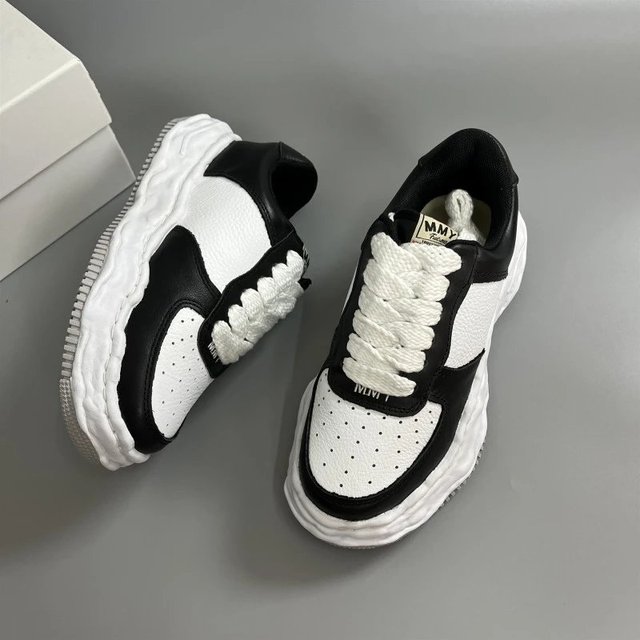

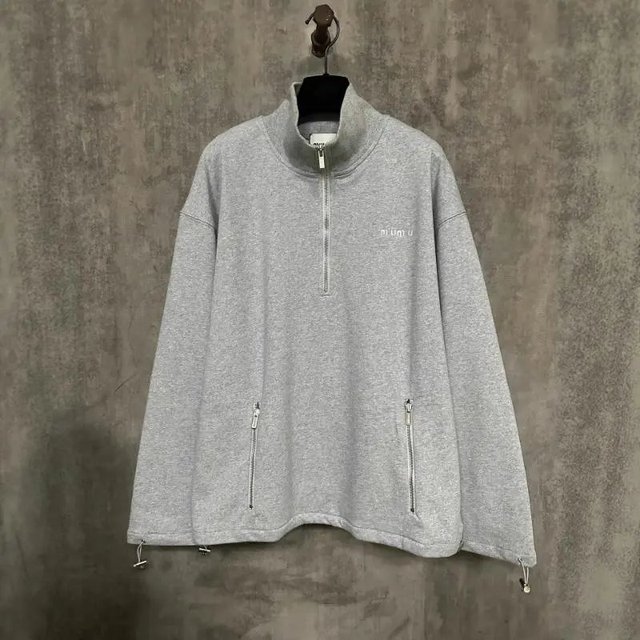
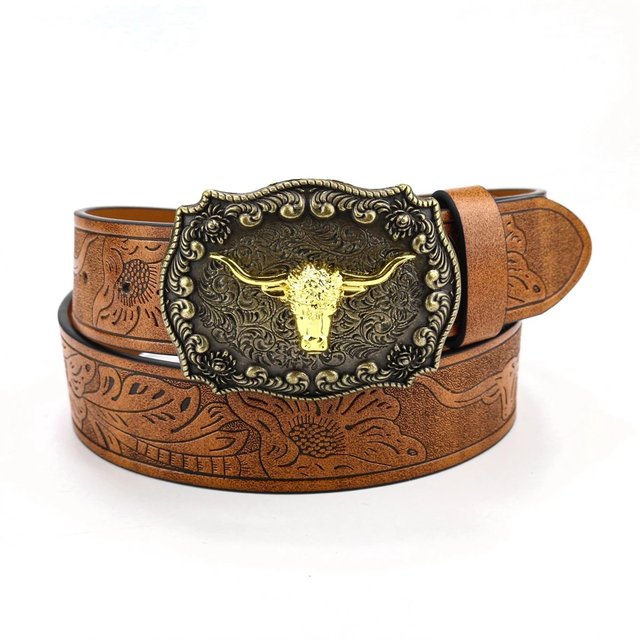
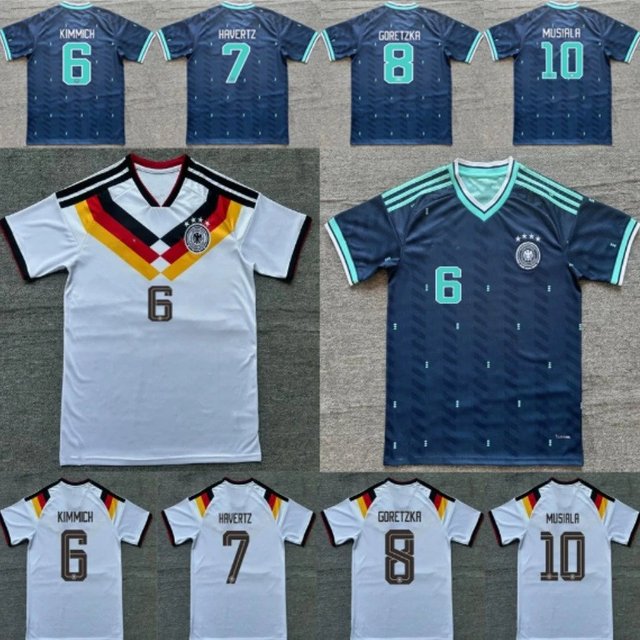
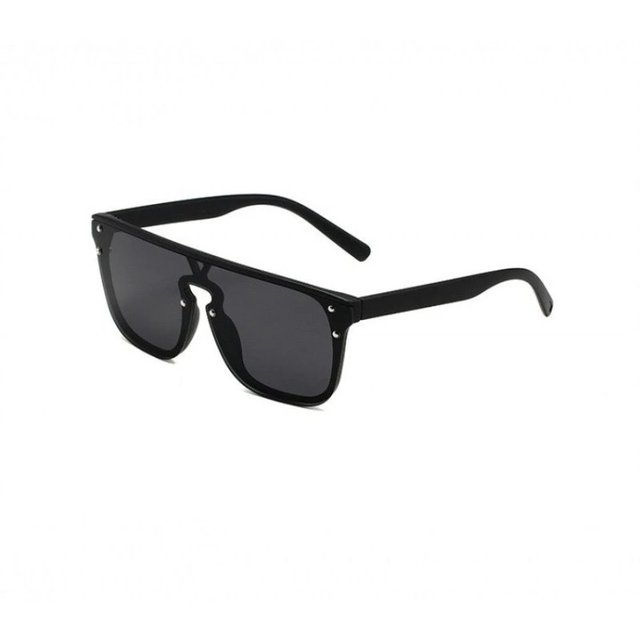
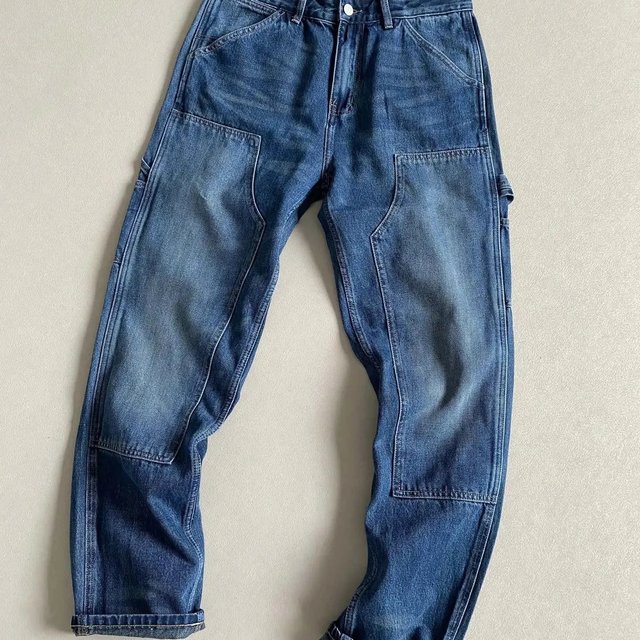
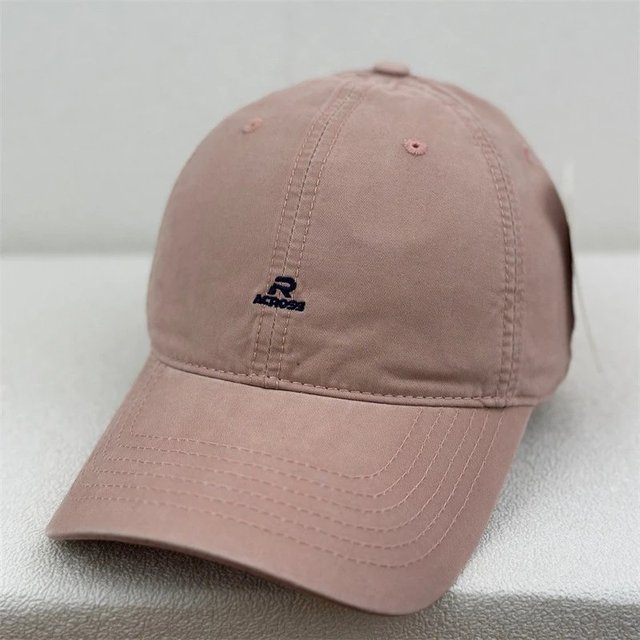
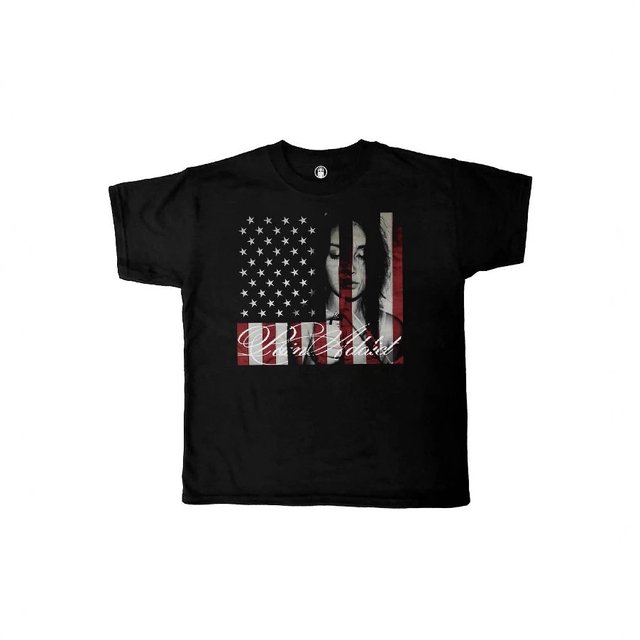
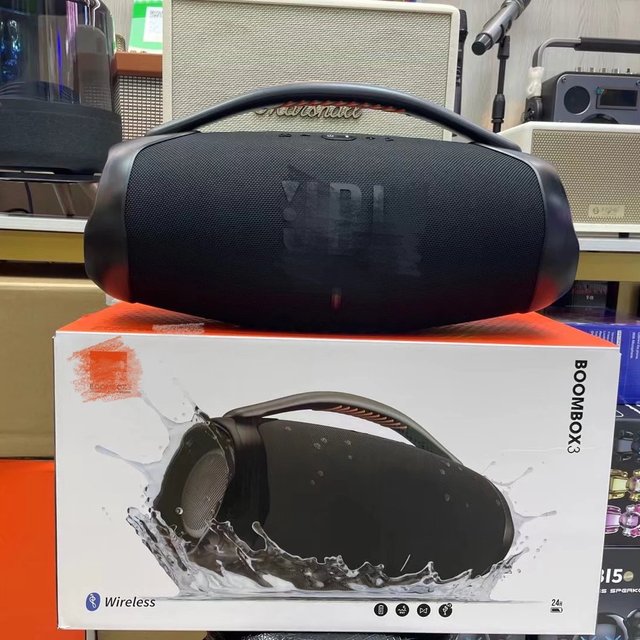
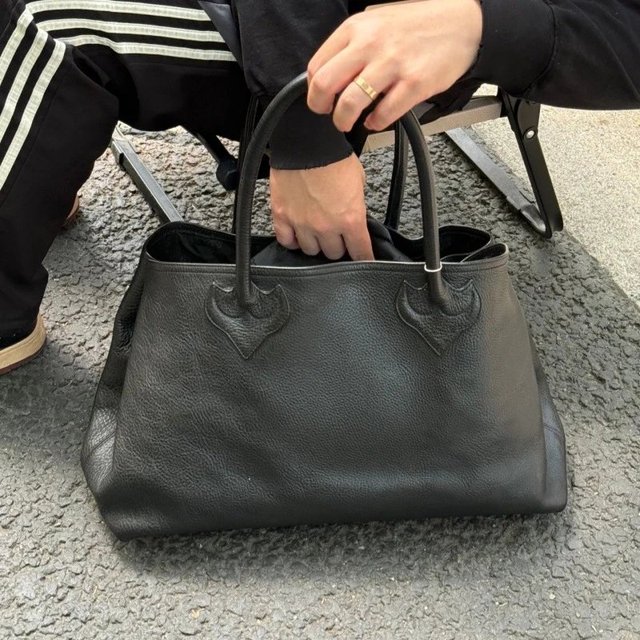
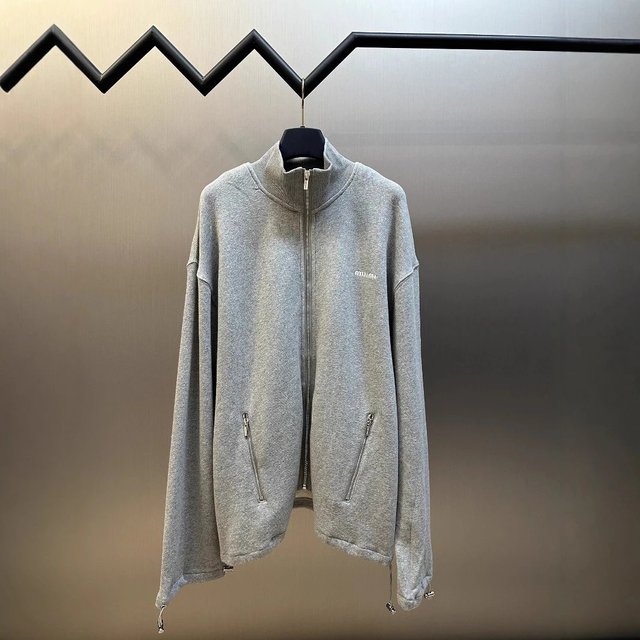
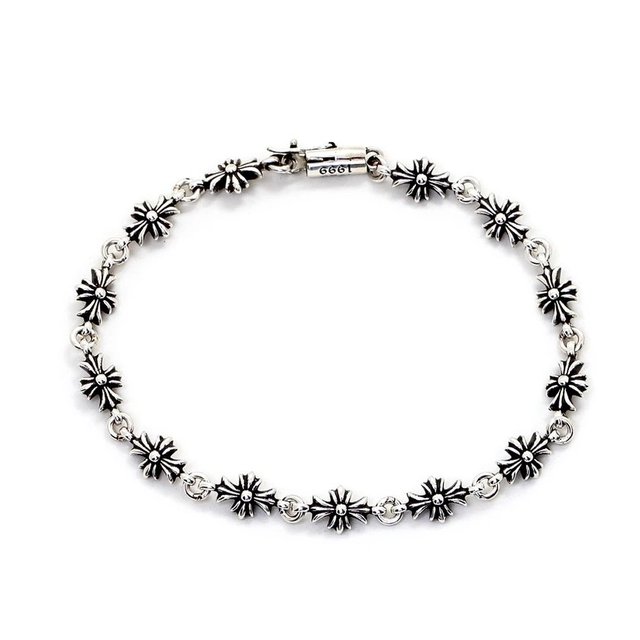
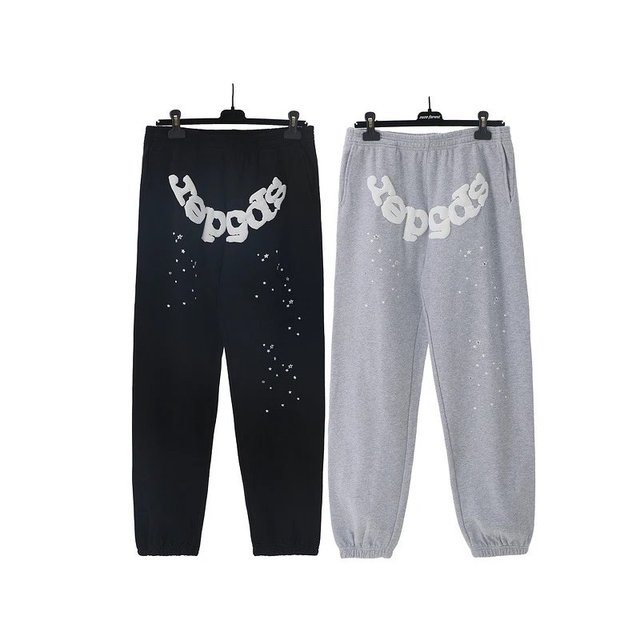

What this page actually is
Nothing on this page is a Tomebuy product. This is a curated finds list: real listings pulled from the marketplaces Tomebuy can order from, organised by category so you do not have to guess a search term. Tomebuy itself does not stock or sell goods; it buys a specific listing on your behalf once you have chosen one. Pick a shelf below, then carry the listing you settle on over to Tomebuy's order page or paste its link straight into the search field up top.
The sixteen shelves here are a starting point, not a ceiling on what Tomebuy can actually source. If what you want does not fit any of them, the search box and the DIY Orders route on the Guide page both work from outside this list.
A photo and a title aren't the whole story
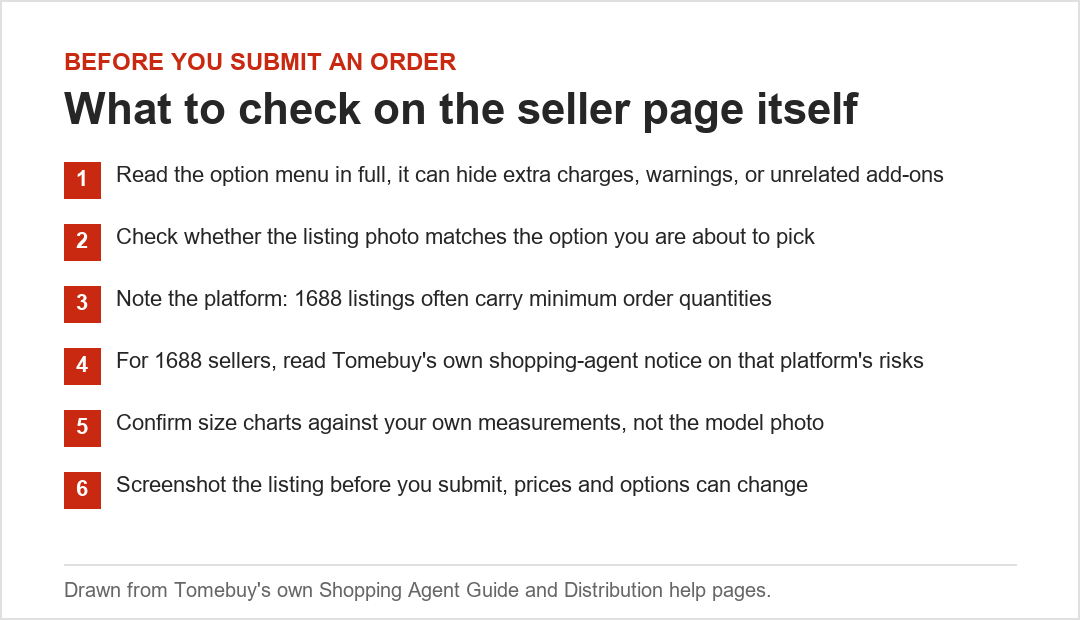
A product photo and title tell you what a seller is offering, not what Tomebuy's own inspection will find. Two things worth doing before you submit anything as an order:
- Open the seller's own page, not just the thumbnail, and read the option menu in full. Colour and size menus do not always match the cover photo.
- If the category is apparel or footwear, check for a size chart on the listing itself. Tomebuy's inspection confirms the item against the order, not against your measurements.
The full checklist, including a platform-specific note for 1688 listings, is on Picking products and sellers.
After you pick something
Once you have a listing, the rest of the order follows the same route regardless of which shelf it came from: submit the details, pay the item and its domestic delivery, wait for Tomebuy's staff to buy it, then handle the warehouse stage. The full route is on the Guide page, broken into seven stages with the parts that have screenshots and the parts that sit behind a sign-in wall.
Why shelves, not search results, come first
Tomebuy's own search box works from a product name or a pasted link, which assumes you already know roughly what you are looking for. Browsing by shelf is the other direction: a category narrows the field first, so you can compare several real listings before settling on one, rather than submitting the first match a keyword search returns. Both paths end at the same place, Tomebuy's order page, so use whichever matches how specific your idea of the item already is.